2D Case Study
Level Design – Hollow Knight
About
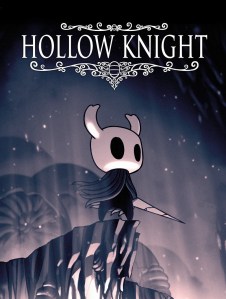
Hollow Knight is a 2017 Metroidvania video game developed and published by independent developer Team Cherry.
What is the game feel?
Aesthetic
The aesthetic sensation of control is considered especially responsive and fluid. In many cases there may or may not be lag input when compared to other platformers. However, Hollow Knight holds an exceptional input control, allowing the movement of the avatar or player model to feel clean, smooth, and precise.
Space
The simulated space and physical reality of a game refers to the game’s gravity, friction, acceleration, hit box size, and collision behavior. In Hollow Knight, the avatar holds a sense of gravity when jumping and falling. By tapping the jump key, the avatar hops – putting little distance between them and the floor. Holding down the jump key, on the other hand, allows the avatar to jump higher into the air — ultimately defying the gravity originally holding them to the ground.
Falling from a long distance creates a different experience regarding gravity. When the avatar falls from a large height – the avatar suddenly becomes uncontrolled and the avatar drops as though they were weighed down by a hundred bricks (thank goodness for no fall damage). This is a completely different feeling from the usual jump the player experiences in-game.
In conclusion to this, heavy gravity is present in falling and short jumps while later defying it with a high jump (which is odd from a realistic perspective). Nonetheless, this does not affect the gameplay as it is imagined that the high jump was implemented to create a more positive impact on the platforming itself.
Acceleration
In terms to the speed of falling from a jump, and the avatar’s movement. Any form of acceleration is only present in jumping. The avatar’s walking speed remains static with no presence of acceleration or de-acceleration when moving forward or backwards.
Hitbox SIze
Hitboxes are small as the avatar has to be considerably close or on top of enemies and other props to deal damage. While not necessarily a huge issue, it still can be considered frustrating especially when dealing with enemies that can fly.
POLISH
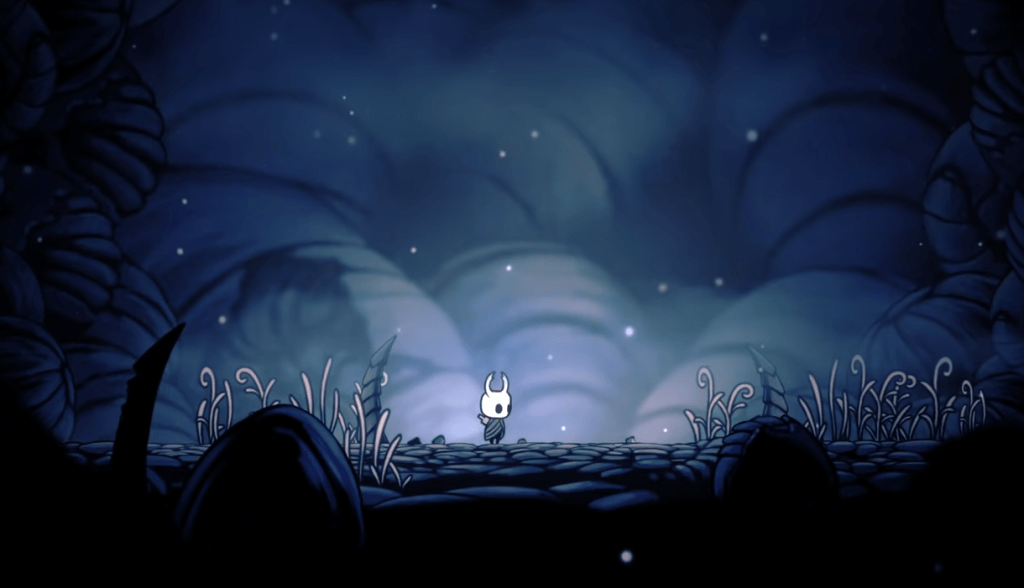
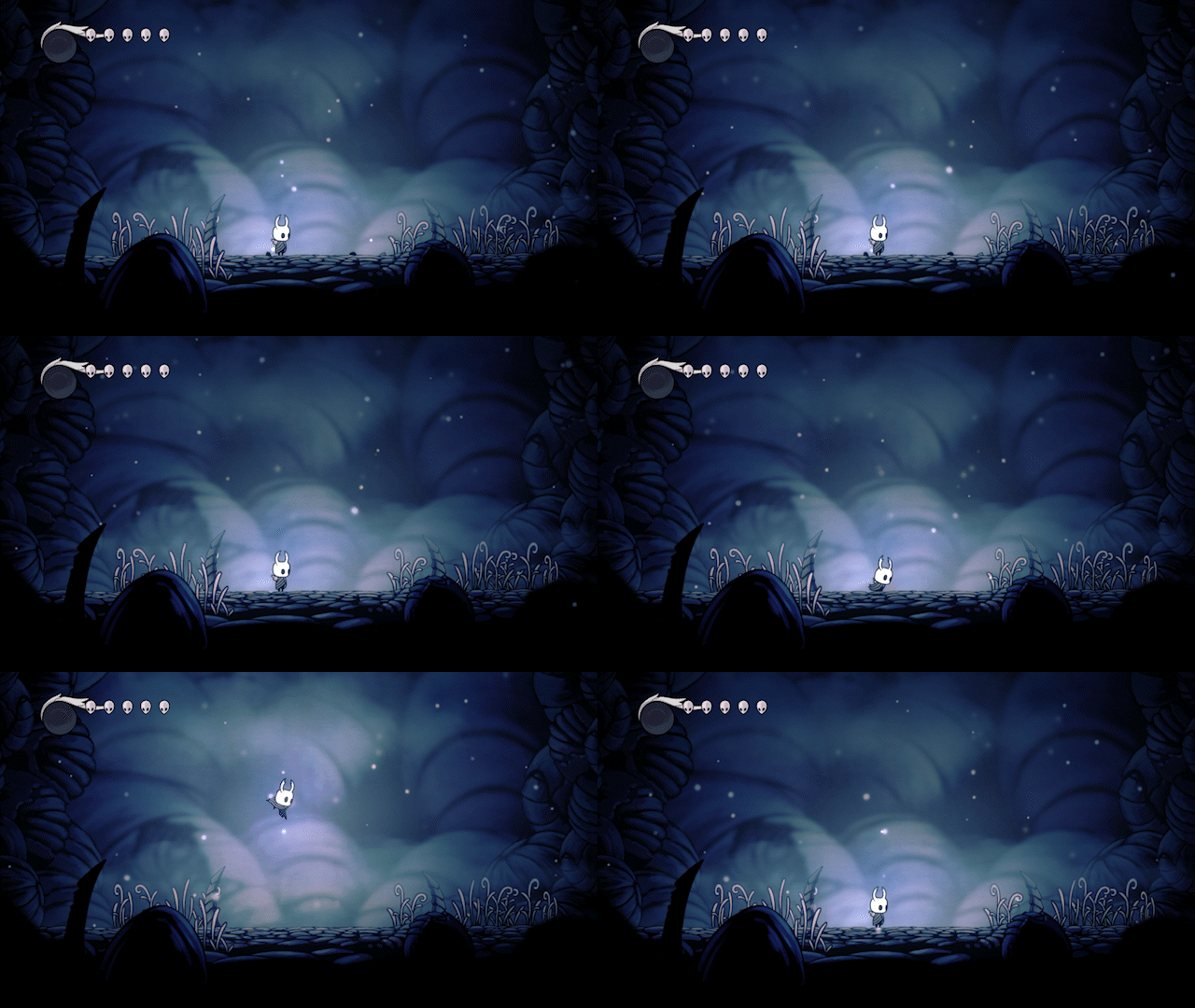
Animation, and other added effects such as a haze or misty effect surrounding the level of the game work together to create an atmosphere of mystery while still holding a sense of calm which works well for a simple laid-back platformer game.
In the image above, you can see the avatar moving forward through a misty, lightly lit area. Notice the background. The blue and grey undertones. The wind blowing. This choice in polish added to the atmosphere of the game.
Design & Support
A game that appears to revolve around mystery is commonly associated with exploration. This game allows the player to explore by giving the option to take multiple pathways – not knowing what they will find, learn, or encounter. One pathway may lead to a dead end. One may lead to treasure, while another to the next level. There is no one way to play, but it is clear that this was designed to immerse the player, drive their curiosity and further immerse their selves into the game’s world — adding to the feel of the game.
Guiding the play (silent teaching)
Direction: Teaching a player how to move forward is the first thing a game must do. By blocking any path but the one directly in front of them teaches the player which direction they must direct themselves to in order to move on with their journey. In this case, shifting the analog stick to the right will move the avatar forward.
Button prompt: A button prompt appears to give the player a head start on their journey. They will need a means of defense. “Press the square button to attack”. The player now may use this new knowledge to proceed forward by using the attack button on a barrier that had once been blocking their path.
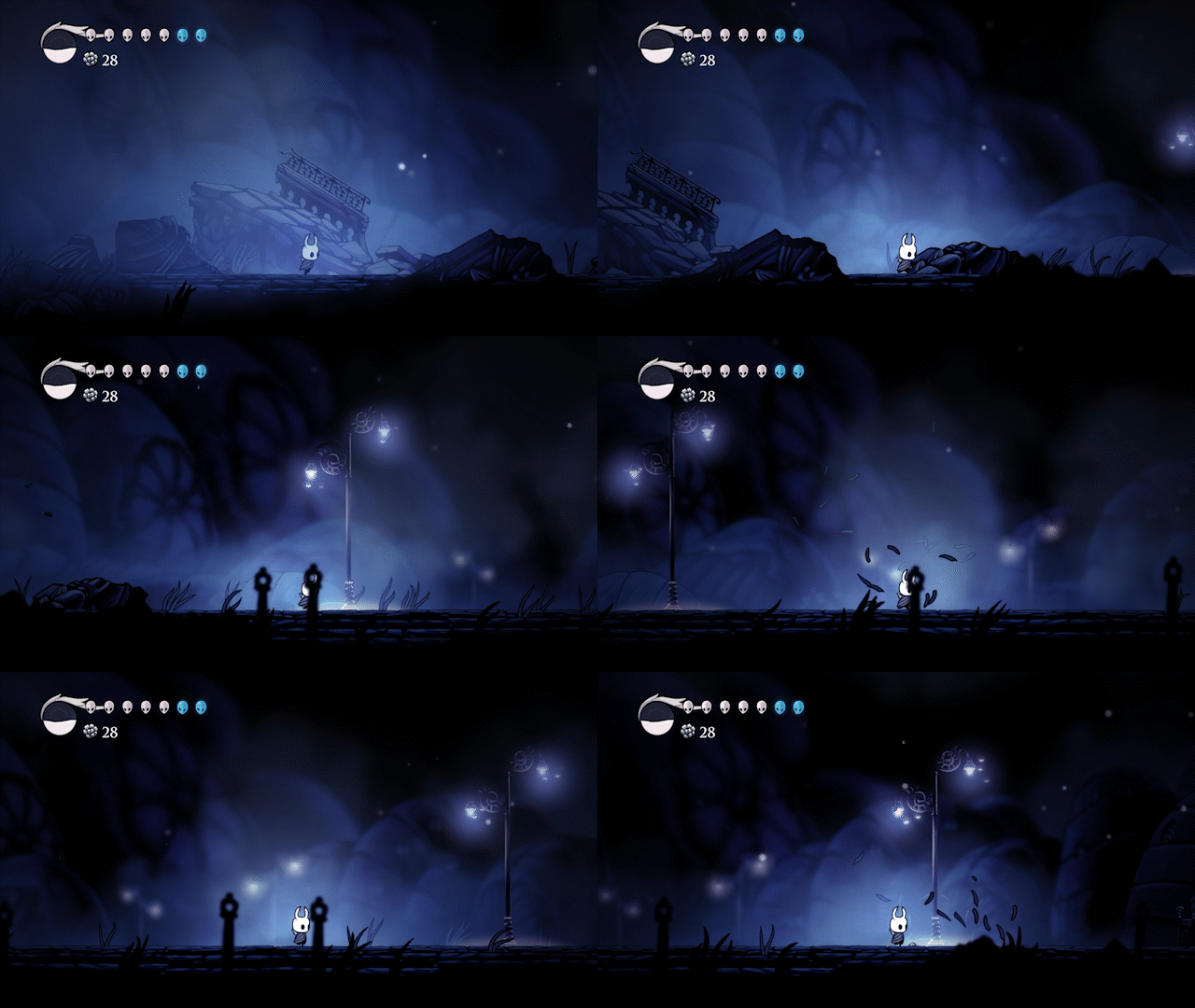
Enemy encounter: Attacking a prop is easy, but the player’s first encounter with a moving enemy is another step up. It is believed this early encounter was an abrupt attempt to throw the player off guard in further hope they would take damage from the enemy itself. Taking damage will ultimately teach the player that mistakes will and can be made. Mistakes won’t always lead to a game over.
Once the enemy is defeated. The enemy will drop a reward(s). At this time, these rewards are a mystery and are not explained.
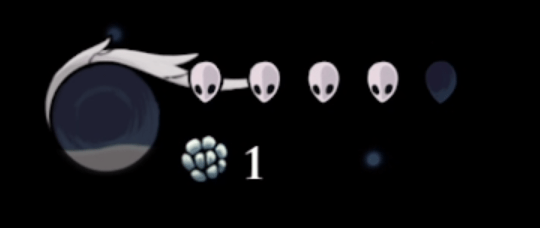

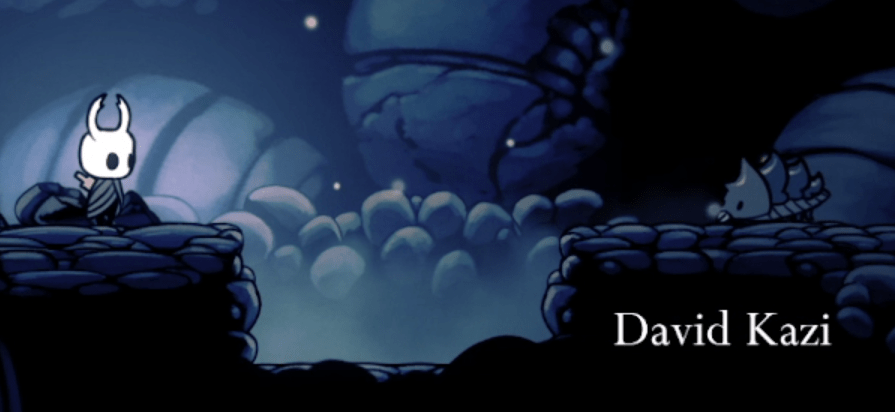
Teaching the player the very basics of an obstacle come next. An empty pit lays in front of the avatar. Pressing forward is not the answer here. The player needs to find out how to get across. The obvious answer here is to jump over.
On the other side of the pit is an enemy. Jumping over and using the attack button immediately is one way to reinforce quick thinking and acting. But this also might spark the idea that the player can jump and attack at the same time — taking out 2 birds with 1 stone.
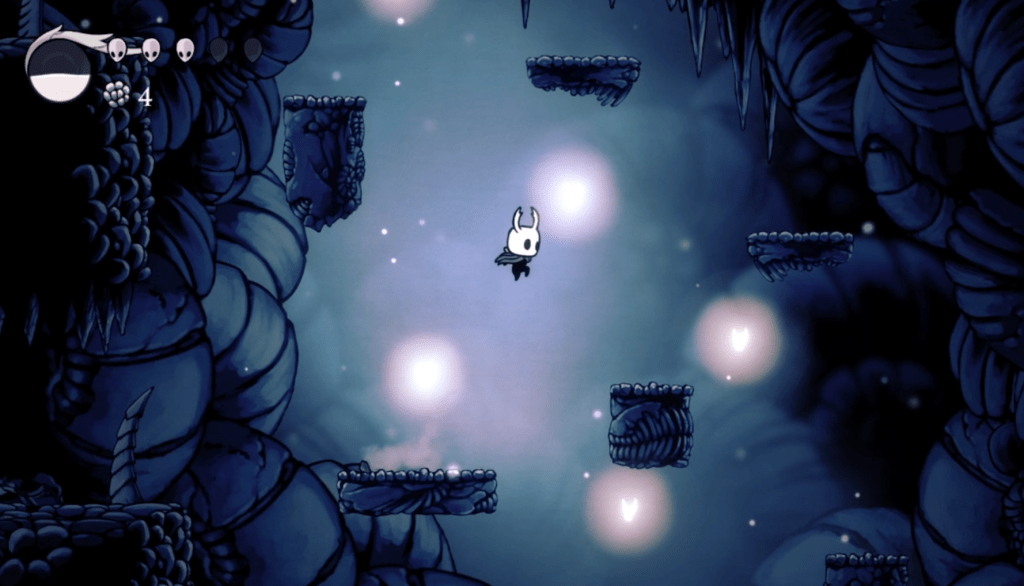
Following this first obstacle will the player come across a multitude of platforms (see image to the left) above a dangerous pit. While focused on jumping across without falling – the player will note that a jagged rock falls from the spikey ceiling above – almost hitting them. This teaches the player to be wary of their surroundings and that damage isn’t always susceptible to enemy encounters but the environment can be just as dangerous.
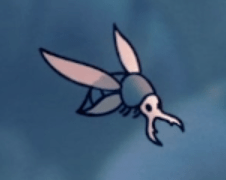
Dealing with a flying enemy is next on the agenda. This encounter subtly teaches the player how to fight something like this previously. Jumping and attacking an enemy after an obstacle. Why not try doing it at the same time?
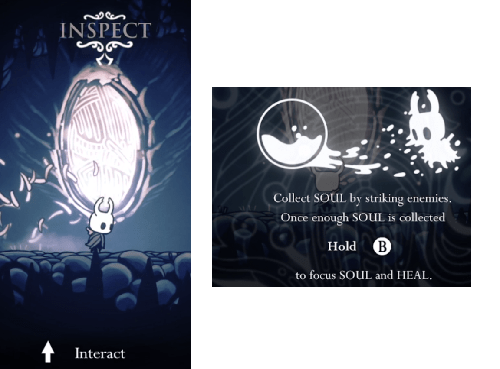
The mirror is a non-enemy prop that the player may interact with (interaction prompted by pressing up on the analog stick). The mirror gives helpful advice, finally telling you what the dropped enemy rewards can be used for. By holding down the circle button, you may regain lost HP you have lost from your first enemy encounter.
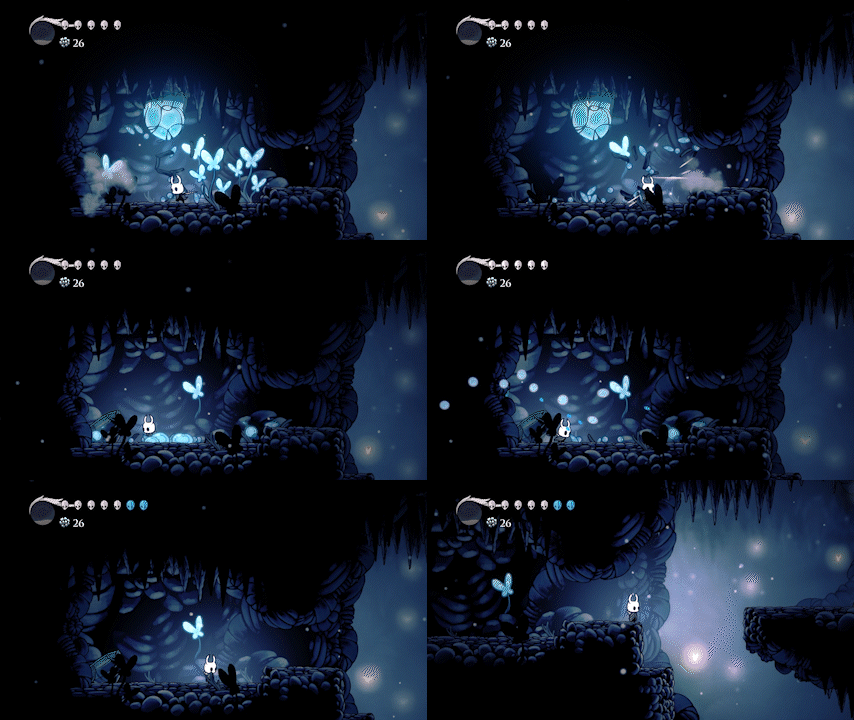
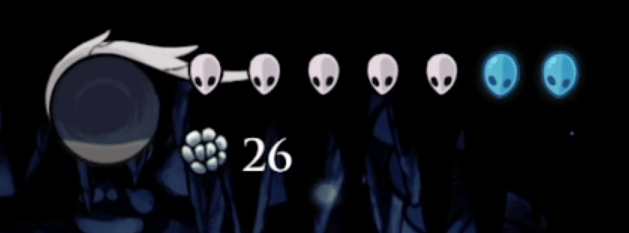
Attacking non-enemy props proved useful at the beginning, quietly teaching the player that it may prove useful in their journey. The player will come across a blue orb – when continuously attacked. It shatters, adding extra HP
It is from this point after that the game starts applying everything that was learnt going further. Combining mechanics and puzzles for the player to run through.
Notable Affordances
Portability: Microsoft Windows, macOS, and Linux in 2017, Nintendo Switch, PlayStation 4, and the Xbox One in 2018
Interactivity: Audio and Sight play a huge role in this games interactivity. You can interact with mirrors that give you helpful advice. You can interact with NPC’s in the world. You can sit on benches to rest. This type of interactivity allows player immersion.
Identity: The player or avatar has no definitive personality (nor do they appear to speak) and thus a player may assume their own characteristics on the character depending on their own gameplay choices.
Sociability: Single player games like Hollow Knight is not considered for this affordance as no interaction with other players happen within the game itself.
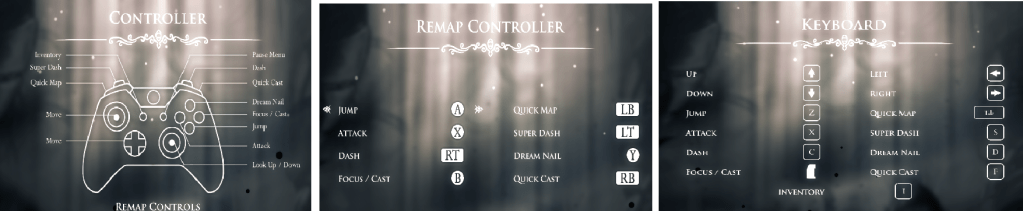
Accessibility: Highly accessible due to its ability to remap buttons via keyboard or controller — allowing a player to change them to suit their needs.
1. Can play the game with multiple buttons/two sticks
2. Can play with only a keyboard.
3. Can play with both a mouse and keyboard.
4. Allowed to re-map buttons on keyboard, mouse, or controller
Pacing (difficulty, progression, and challenges)
The pacing of Hollow Knight can be considered slow throughout the first level. This allows the player to take their time learning and adjusting to the game mechanics. There appears is no time or limit to keep the player from moving at their own speed.
Progression is paced just as slowly as the game that can only be described as mellow, calm, and quiet — slow is the perfect way to go about in a game like this.
Challenges present themselves slowly throughout the first level. It takes one step at a time, teaching the player new things first before presenting or combining other elements of mechanics with it (teach first, challenge later).
 Nicole's Portfolio
Leave a comment